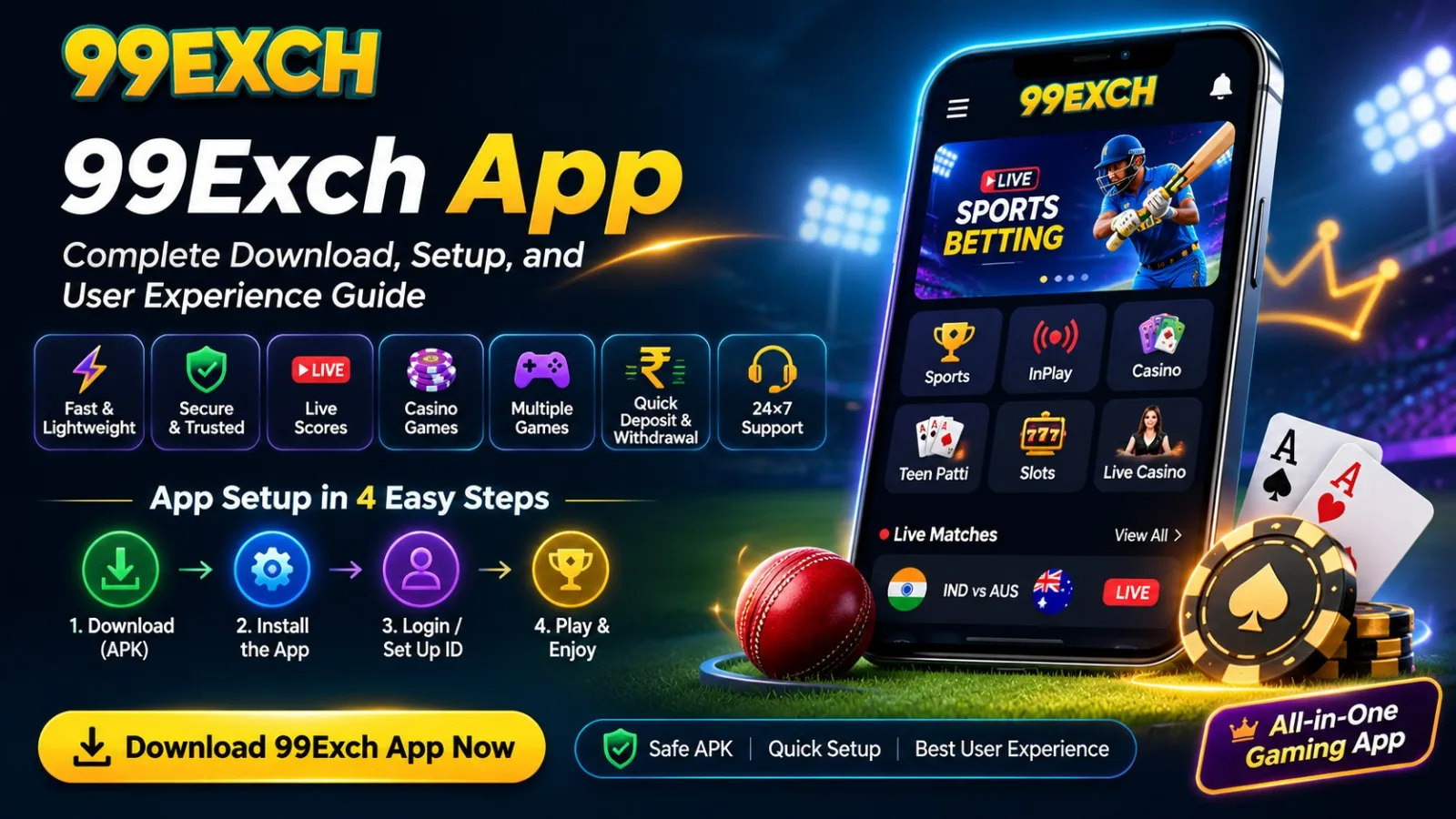
Mobile accessibility has completely reshaped how users interact with online sports exchanges and live digital gaming platforms. Instead of relying solely on desktop browsers, modern users demand speed, lightweight performance, and instant navigation right from their smartphones. The 99Exch App is built specifically to meet these expectations, combining a responsive mobile interface with real-time market updates and streamlined account controls.
Whether you are searching for the official 99Exch App Download link, setting up a new profile through 99Exch Registration, or troubleshooting your daily 99Exch Login, this comprehensive guide provides everything you need to get started safely and efficiently.
99Exch App Complete Download Setup and User Experience Guide
Understanding the 99Exch Platform and Mobile Ecosystem
At its core, 99Exch (widely recognized across the community as 99Exchange) operates as a peer-to-peer style digital sports and gaming exchange. Unlike conventional fixed-odds platforms where users only play against the house, an exchange environment allows participants to engage with dynamic, market-driven odds in real time.
Bringing this entire ecosystem into a dedicated mobile application eliminates browser lag, reduces data consumption, and ensures that live odds refresh within milliseconds. The 99Exch mobile application acts as a unified hub where account management, live match tracking, wallet operations, and customer support sit just a single tap away.
Key Features That Set the 99Exch App Apart
When evaluating a dedicated mobile platform, performance and usability matter more than flashy graphics. Here is what makes the 99Exch application stand out for everyday users:
1. Lightweight Architecture and Low Data Usage
Many mobile web portals suffer from heavy scripts that drain battery life and slow down mid-range devices. The 99Exch APK is engineered with clean, optimized code so that pages load rapidly even on standard 4G connections or fluctuating mobile networks.
2. Real-Time Odds and Live Match Tracking
Timing is critical during live sporting events. Inside the 99Exch App, market fluctuations update instantaneously without requiring manual page refreshes. Users can monitor match momentum, check live scorecards, and interact with active markets seamlessly.
3. Clean, Distraction-Free User Interface
The navigation layout is structured logically:
Top Navigation Bar: Quick access to wallet balance, notifications, and 99Exch Account Settings.
Category Tabs: Instant switching between cricket, football, tennis, and live interactive rooms.
One-Tap Slip Management: Clear visibility of active selections, potential returns, and transaction history.
4. Multi-Layered Account Security
Security remains a top priority for any online platform. The 99Exch mobile app integrates encrypted data transmission (SSL/TLS), session timeout protections, and optional two-step verification to keep user credentials and funds safeguarded against unauthorized access.
5. Integrated 24/7 Helpdesk Access
Rather than forcing users to leave the app and search for external contact forms, the platform embeds direct support channels—including live chat and instant messaging links—right inside the main dashboard.
How to Complete Your 99Exch App Download (Android & iOS)
Because specialized exchange applications are frequently updated outside standard app marketplaces, downloading directly from the official source ensures you receive the authentic, malware-free version.
Step-by-Step Guide for Android Users (99Exch APK)
Open Your Mobile Browser: Launch Chrome or your preferred browser on your Android smartphone and visit the official 99Exch Website.
Locate the Download Section: Tap the prominent 99Exch App Download button located on the homepage header or menu drawer.
Save the APK File: Confirm the download prompt to save the latest 99Exch.apk installation package to your device storage.
Adjust Device Permissions: Navigate to your phone’s Settings > Security (or Privacy) > Install Unknown Apps, select your browser, and toggle on Allow from this source.
Run the Installer: Open your device’s Downloads folder, tap the 99Exch APK file, and select Install.
Launch the App: Once installation finishes, tap Open from your home screen to access the login portal.
Step-by-Step Guide for iOS Users (iPhone & iPad)
iOS devices follow Apple’s enterprise profile or progressive web app (PWA) installation standards:
Use Safari Browser: Open Safari on your iPhone and navigate to the official 99Exch Login Portal.
Select the iOS App Option: Tap the iOS download prompt if an enterprise profile is available, or tap the Share icon (square with an upward arrow) at the bottom of Safari.
Add to Home Screen: Scroll down and select Add to Home Screen, name the shortcut 99Exch, and tap Add.
Trust Enterprise Profile (If Applicable): If you installed a native iOS configuration file, go to Settings > General > VPN & Device Management, tap the developer profile, and select Trust.
Creating Your Account: 99Exch ID & Registration Process
Before exploring the live markets inside the 99Exch App, you need an active user profile. The onboarding workflow is designed to be straightforward while maintaining account integrity:
Open the Registration Form: Launch the app and tap on the 99Exch Sign Up or Create Account button.
Enter Basic Details: Provide a unique username, a strong alphanumeric password, and your active mobile number for verification.
Verify Your Contact Information: Enter the One-Time Password (OTP) sent to your registered mobile number to confirm ownership.
Activate Your 99Exch ID: Once verified, your personalized 99Exch ID becomes active immediately, granting full access to the dashboard.
Pro Tip for Account Safety: Never share your 99Exch password or OTP with third parties, and avoid using identical passwords across multiple websites.
Troubleshooting Common 99Exch Login & App Issues
Even well-optimized applications can occasionally run into device-specific hiccups. Here is how to resolve the most frequent issues quickly:
App Not Installing on Android: Ensure you have at least 150 MB of free storage space and verify that Install from Unknown Sources is enabled for the specific browser you used to download the file.
99Exch Login Failed or Invalid Credentials: Check that Caps Lock is turned off when typing your password. If you forgot your credentials, use the 99Exch Password Reset link on the login screen or contact support for identity verification.
Slow Loading or Frozen Odds: Clear the app cache via Settings > Apps > 99Exch > Storage > Clear Cache, or switch between Wi-Fi and mobile data to refresh your network route.
Outdated App Version: If the app prompts you to update, uninstall the older build and download the newest release directly from the Official 99Exch Download Page.
System Requirements for Smooth Performance
To enjoy lag-free navigation on the 99Exch App, your smartphone should meet these baseline specifications:
Specification
Android Requirement
iOS Requirement
Operating System
Android 7.0 (Nougat) or higher
iOS 12.0 or later
RAM
Minimum 2 GB (4 GB recommended)
Minimum 2 GB
Free Storage
100 MB – 150 MB available space
100 MB available space
Internet Connection
Stable 4G, 5G, or Wi-Fi
Stable 4G, 5G, or Wi-Fi
Responsible Usage & Best Practices
Engaging with any online sports or gaming platform requires discipline and smart habits:
Set Personal Limits: Always define a clear budget and time limit before logging into your 99Exch account.
Use Official Links Only: Bookmark the verified domain to protect yourself from lookalike phishing pages.
Keep Your Device Updated: Regularly updating your phone’s operating system ensures you have the latest security patches active while using the 99Exch mobile app.
Frequently Asked Questions (FAQs)
1. Is the 99Exch App free to download and install?
Yes, downloading the 99Exch APK or setting up the iOS web app from the official portal is completely free of charge.
2. Can I use the same 99Exch ID on both mobile and desktop?
Absolutely. Your 99Exch login credentials work seamlessly across the mobile application, mobile browsers, and desktop computers, keeping your balance and history synchronized in real time.
3. How do I update the 99Exch App to the latest version?
Whenever a new version rolls out, you will receive an in-app notification. You can also visit the 99Exch App Download page anytime to grab the latest build.
4. What should I do if my 99Exch account gets temporarily locked?
Multiple incorrect password attempts may trigger a temporary security lock. Wait 15–30 minutes before trying again, or reach out to the 99Exch Customer Support team to verify your identity and restore access.