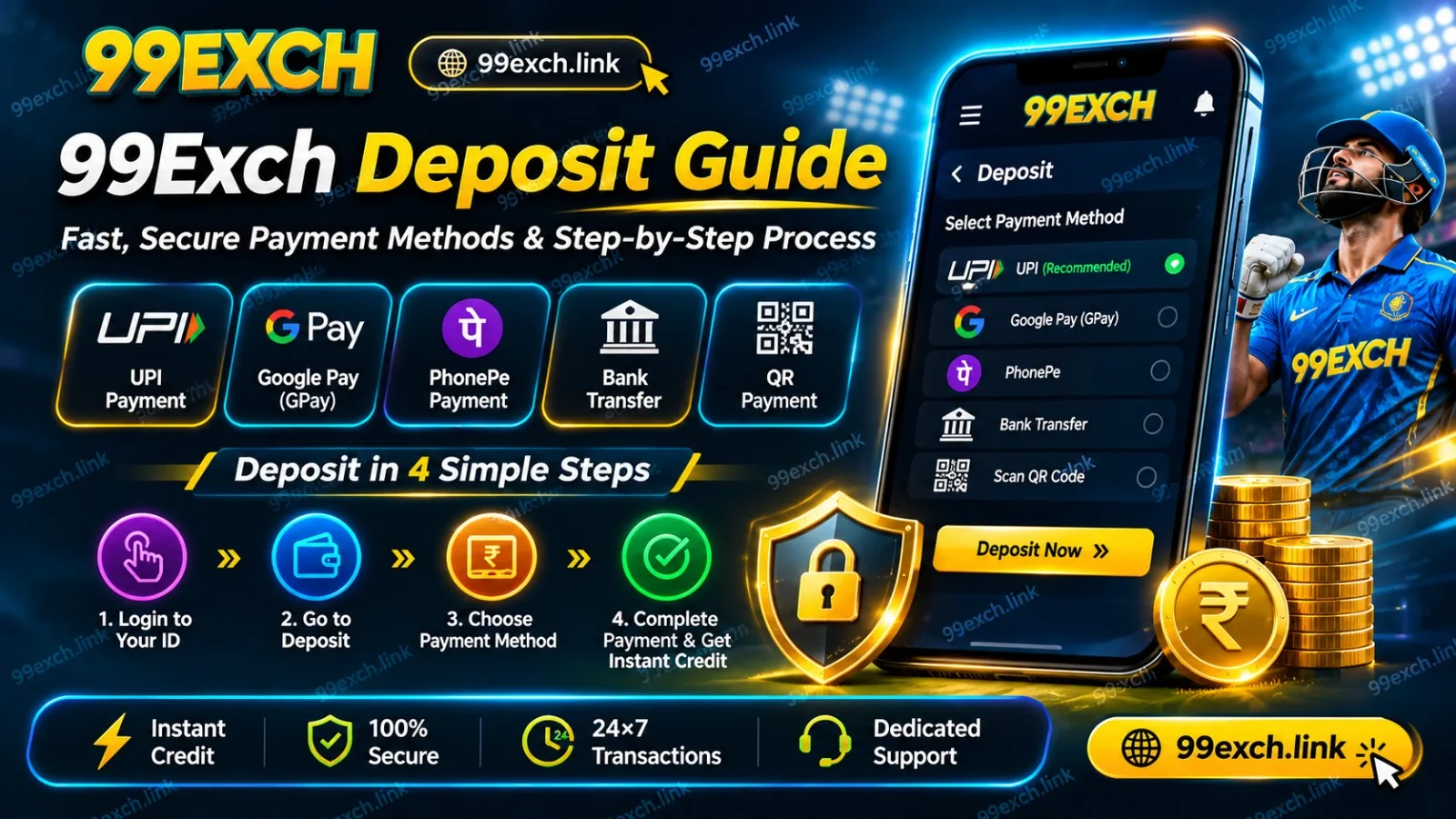
Funding your online gaming or sports exchange account should be quick, transparent, and completely hassle-free. When users transition from creating an account to exploring live markets, the 99Exch Deposit system is engineered to provide near-instant wallet top-ups with strong encryption and multiple regional payment options.
Whether you are adding funds for the first time after completing your 99Exch Registration, logging in via the 99Exch App, or looking for ways to resolve a pending transaction, this complete guide walks you through every payment method, minimum limit, security check, and troubleshooting tip for 99Exch deposits.
Overview of the 99Exch Deposit System
The 99Exch platform (also known as 99Exchange) prioritizes speed and reliability across its financial dashboard. Because live sports odds and interactive rooms move rapidly, waiting hours for funds to reflect is never ideal. To solve this, the 99Exch payment gateway integrates automated verification workflows that credit approved deposits directly into your main wallet within minutes.
Key highlights of the 99Exch deposit process include:
Zero Hidden Platform Fees: The amount you transfer is the exact balance credited to your 99Exch wallet.
Multiple Local & Digital Channels: Support for UPI, IMPS, Net Banking, and popular mobile wallets.
24/7 Automated Processing: Add funds anytime—including weekends, late nights, and during peak live match hours.
End-to-End Encryption: Every 99Exch online deposit is protected by SSL encryption to safeguard your banking details.
Supported Payment Methods for 99Exch Deposit
Before initiating a transfer, it helps to know which banking channels work best for your needs. Inside the 99Exch Login dashboard, users typically have access to the following verified payment options:
Payment Method
Typical Processing Time
Best For
Key Advantage
UPI (Google Pay, PhonePe, Paytm, BHIM)
Instant – 5 Minutes
Everyday mobile users
Quick QR scan or UPI ID transfer with instant UTR generation
IMPS (Immediate Payment Service)
2 – 10 Minutes
Direct bank-to-bank transfers
High reliability and 24/7 availability across Indian banks
NEFT / RTGS
15 – 45 Minutes
Larger deposit amounts
Ideal for higher-value transfers during banking hours
Digital Wallets
Instant – 5 Minutes
Fast one-tap top-ups
Seamless mobile checkout without entering card numbers
Step-by-Step Guide: How to Make a 99Exch Deposit
Adding funds to your account takes less than two minutes when you follow the exact sequence inside your dashboard.
Step 1: Log Into Your Account
Open your browser or launch the official 99Exch App Download version on your smartphone. Enter your username and password on the 99Exch Login Portal to access your home screen.
Step 2: Navigate to the Deposit Section
Locate the Deposit or Add Funds button—usually highlighted prominently in the top header bar or inside your My Wallet / Profile menu.
Step 3: Select Your Preferred Payment Mode
Choose from the available payment options such as UPI, Bank Transfer (IMPS), or E-Wallet. Always check the active payment details displayed on screen, as merchant accounts rotate periodically for security and load balancing.
Step 4: Enter the Deposit Amount
Type in the exact amount you wish to add to your 99Exch ID. Make sure the figure falls within the displayed minimum and maximum transaction limits for that specific payment channel.
Step 5: Complete the Payment & Save the UTR / Reference ID
If paying via UPI, scan the dynamic QR code or copy the official UPI ID into your payment app (PhonePe, GPay, Paytm, etc.) and authorize the transfer.
If paying via IMPS, add the beneficiary details shown on screen and execute the transfer from your mobile banking app.
Crucial Step: Once your payment succeeds, copy the 12-digit UTR (Unique Transaction Reference) number and take a clear screenshot of the payment receipt.
Step 6: Submit Verification Details on 99Exch
Return to the 99Exch Deposit page, paste the UTR number into the confirmation box, upload the payment screenshot if requested, and tap Submit. Your 99Exch wallet balance will update automatically once the system verifies the reference ID.
Important Rules for Smooth 99Exch Deposits
To avoid unnecessary delays or manual review holds, keep these essential rules in mind every time you fund your account:
Never Reuse Old UPI IDs or Bank Details: Always generate a fresh deposit request inside your 99Exch account before sending money. Sending funds to an expired merchant ID can cause verification delays.
Use Your Own Bank Account or UPI: Ensure the name on the bank account or UPI handle matches your registered profile details. Third-party transfers may be flagged by automated security filters.
Enter the Exact Amount: If you enter ₹1,000 on the 99Exch deposit form, transfer exactly ₹1,000—not ₹1,001 or ₹999—so automated UTR matching works instantaneously.
Keep Your Transaction Receipt: Always hold onto your payment screenshot until the updated balance appears in your main wallet.
Troubleshooting Common 99Exch Deposit Issues
While most transactions clear within minutes, network congestion at the bank end can occasionally slow things down. Here is how to handle common scenarios:
1. Money Deducted from Bank, But Balance Not Updated
Wait 10–15 Minutes: Sometimes bank servers take a few extra minutes to push settlement confirmations.
Verify the UTR Number: Double-check that you entered the correct 12-digit UTR code without extra spaces.
Contact Support: If more than 20 minutes pass, open the 99Exch Customer Support chat and share your 99Exch ID, deposit amount, time of transaction, and payment screenshot for manual credit.
2. UPI Payment Showing "Pending" or "Processing"
Do not immediately initiate a second transfer if your UPI app shows a "Processing" status. Wait for your bank to either confirm success or auto-refund the failed attempt before trying again.
3. Deposit Request Rejected
A deposit request is usually declined if an incorrect UTR number was submitted, the screenshot was cropped/unclear, or funds were sent to an outdated account number. Reach out to the live helpdesk with your valid proof of payment to resolve it promptly.
Security Best Practices for Online Transactions
Protecting your financial data is just as important as fast processing:
Verify the Domain URL: Only initiate a 99Exch deposit from the official website or verified mobile application.
Avoid Public Wi-Fi: Never execute banking or UPI transfers while connected to unsecured public Wi-Fi networks.
Never Share OTPs or UPI PINs: Official 99Exch support representatives will never ask for your UPI PIN, net banking password, or SMS OTP.
Set a Responsible Budget: Decide on a fixed deposit limit before you start, and never deposit funds beyond what you are comfortable spending.
Frequently Asked Questions (FAQs)
1. What is the minimum deposit amount on 99Exch?
The minimum 99Exch deposit limit depends on the chosen payment gateway (such as UPI or IMPS) and is clearly displayed right above the amount input box on the deposit screen.
2. How long does a 99Exch deposit take to reflect in my wallet?
Most UPI and IMPS transactions reflect within 2 to 10 minutes after submitting the valid UTR reference number.
3. Does 99Exch charge any fee on deposits?
No, 99Exch does not deduct any platform processing fees from your deposit. However, your personal bank may apply standard IMPS/NEFT charges depending on your account tier.
4. Can I deposit money using the 99Exch App?
Yes, the entire 99Exch deposit workflow—including QR scanning, UTR submission, and transaction tracking—is fully integrated into the 99Exch App for both Android and iOS users.
5. What should I do if I entered the wrong UTR number?
If you accidentally mistyped your UTR number, contact 99Exch Customer Support immediately with your original bank receipt screenshot so an agent can manually verify and credit your account.