
99Exch ID: Complete Registration, Verification & Account Setup Guide
Table of Contents
- What is a 99Exch ID?
- Types of 99Exch IDs Available
- Step-by-Step Guide: How to Create a 99Exch ID Online
- Step 1: Visit the Official Portal or Launch the App
- Step 2: Open the 99Exch Registration Form
- Step 3: Choose a Unique Username
- Step 4: Set a Strong, Secure Password
- Step 5: Link and Verify Your Mobile Number
- Step 6: Complete Activation & Log In
- Essential Rules Before Creating Your 99Exch ID
- How to Keep Your 99Exch ID Safe & Secure
- Troubleshooting Common 99Exch ID Issues
- 1. Forgot 99Exch ID Username or Password
- 2. OTP Not Received During Registration
- 3. 99Exch ID Temporarily Suspended or Locked
- Frequently Asked Questions (FAQs)
- 1. Is it free to create a 99Exch ID?
- 2. How long does 99Exch ID verification take?
- 3. Can I use my 99Exch ID on the mobile app?
- 4. Can I change my 99Exch username after registration?
- 5. What should I do if I suspect unauthorized activity on my 99Exch ID?
Accessing an online sports exchange and live gaming ecosystem starts with a verified user profile. Whether you want to track live match odds, manage your wallet balance, or explore interactive casino rooms, having an active 99Exch ID is the single gateway to the entire platform.
we break down everything you need to know about 99Exch ID creation, step-by-step registration workflows, security best practices, account recovery, and how to connect your profile across both desktop browsers and the official 99Exch App.
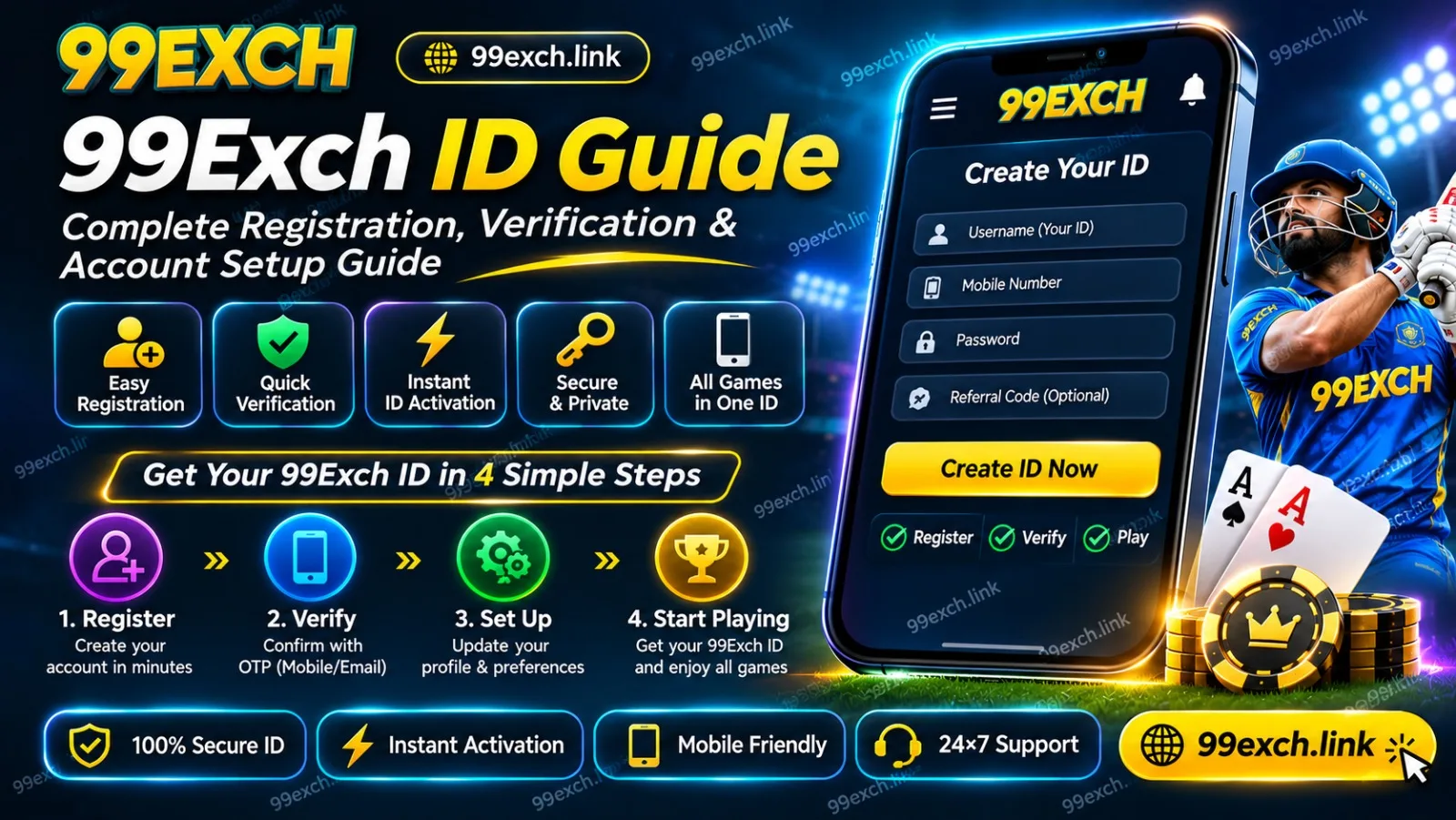
What is a 99Exch ID?
A 99Exch ID (often searched as 99Exchange ID or 99Exch Online ID) is your personal, encrypted user credential that unlocks full access to the 99Exch platform. Rather than browsing limited public previews, an active account connects your user dashboard with real-time market updates, wallet management, transaction history, and 24/7 customer assistance.
Key benefits of holding an official 99Exch user ID include:
- Unified Cross-Device Access: Log in with the exact same credentials across the 99Exch Mobile App, mobile web browsers, and desktop computers.
- Instant Wallet Synchronization: Manage your 99Exch Deposit and withdrawal requests from a single centralized balance.
- Real-Time Market Participation: Engage with live sports exchanges, ball-by-ball scorecards, and interactive rooms without page delays.
- Dedicated Account Protection: Built-in session timeouts, encrypted passwords, and OTP verification keep your profile safe from unauthorized logins.
Types of 99Exch IDs Available
Depending on how you interact with the platform, 99Exch accounts generally fall into two primary tiers:
| Account Type | Who It Is For | Core Capabilities |
| Standard User ID (Player ID) | Individual users and sports enthusiasts | Full access to live markets, 99Exch Login portal, wallet deposits/withdrawals, and 24/7 helpdesk support. |
| Demo / Trial ID | First-time visitors testing the interface | Explore the dashboard layout, navigation speed, and live market display before committing real funds. |
Step-by-Step Guide: How to Create a 99Exch ID Online
Setting up a new 99Exch ID takes less than three minutes. Follow these steps carefully to ensure smooth verification and zero login issues later:
Step 1: Visit the Official Portal or Launch the App
Open your preferred mobile or desktop browser and navigate to the verified 99Exch website, or launch the installed 99Exch App Download package on your smartphone.
Step 2: Open the 99Exch Registration Form
Look for the Sign Up, Register, or Get 99Exch ID button prominently displayed at the top corner of the homepage and tap it to load the account creation form.
Step 3: Choose a Unique Username
Enter a distinct username for your 99Exch ID. Use a combination of letters and numbers that is easy for you to remember but difficult for others to guess.
Step 4: Set a Strong, Secure Password
Create a strong password containing at least 8 to 12 characters, mixing uppercase letters, lowercase letters, numbers, and symbols. Avoid using obvious sequences like
123456 or your birth year.Step 5: Link and Verify Your Mobile Number
Provide an active mobile number or WhatsApp contact where you can receive verification codes. Enter the One-Time Password (OTP) sent to your device to confirm account ownership.
Step 6: Complete Activation & Log In
Review your details, accept the platform terms of service, and tap Submit. Your 99Exch ID is activated immediately, allowing you to proceed directly to the 99Exch Login screen and fund your wallet via the 99Exch Deposit section.
Essential Rules Before Creating Your 99Exch ID
Following a few simple guidelines during 99Exch registration prevents future account restrictions or payout delays:
- One ID Per User: Maintain only one personal 99Exch ID. Creating duplicate accounts from the same device or IP address can trigger automated security flags.
- Use Accurate Contact Information: Always register with your own active phone number so you never lose access to password recovery OTPs.
- Match Your Banking Name: Ensure the personal name linked to your profile matches the bank account or UPI handle you plan to use for deposits and withdrawals.
- Bookmark the Official Domain: Always verify the URL before entering your 99Exch ID and password to stay protected from lookalike phishing sites.
How to Keep Your 99Exch ID Safe & Secure
Once your 99Exch online ID is active, protecting your credentials should be a top priority:
- Never Share Your Password or OTP: Official 99Exch Customer Support agents will never ask for your account password, PIN, or SMS verification codes.
- Update Passwords Periodically: Change your 99Exch login password every 60 to 90 days through your profile security settings.
- Log Out on Shared Devices: If you access your account from a friend's phone or a public computer, always tap Log Out after finishing your session.
- Avoid Public Wi-Fi for Account Changes: Perform password resets, profile edits, and wallet transactions over trusted mobile data or private home Wi-Fi connections.
Troubleshooting Common 99Exch ID Issues
If you ever run into trouble accessing or managing your profile, use these quick fixes:
1. Forgot 99Exch ID Username or Password
Tap the Forgot Password link on the 99Exch Login page, enter your registered mobile number, and verify the OTP to set a new password. If you forgot your username, reach out to the live helpdesk with your registered phone number for quick retrieval.
2. OTP Not Received During Registration
- Check that your phone has stable network reception and is not in Airplane Mode.
- Wait 60 seconds before tapping Resend OTP to avoid rate-limiting blocks.
- Verify that you entered the correct country code (
+91for India) without leading zeros.
3. 99Exch ID Temporarily Suspended or Locked
Entering the wrong password multiple times in a row triggers an automatic cooldown lock for your protection. Wait 15–30 minutes before trying again, or contact 99Exch Customer Support to verify your identity and unlock the account.
Frequently Asked Questions (FAQs)
1. Is it free to create a 99Exch ID?
Yes, registering for a 99Exch ID is 100% free. You only add funds later when you are ready to make a 99Exch Deposit into your wallet.
2. How long does 99Exch ID verification take?
When registering online with a valid mobile number and OTP, your 99Exch ID is verified and ready to use within 1 to 3 minutes.
3. Can I use my 99Exch ID on the mobile app?
Yes. Once created, you can use the exact same 99Exch ID and password inside the 99Exch App for Android and iOS without creating a separate mobile account.
4. Can I change my 99Exch username after registration?
For security and transaction tracking purposes, your primary 99Exch username remains permanent once generated, though you can update your password and security preferences anytime from your profile dashboard.
5. What should I do if I suspect unauthorized activity on my 99Exch ID?
Immediately change your password from the Account Settings tab and notify 99Exch Customer Support so they can review recent login sessions and secure your wallet.